Available for Mac & Windows.
Your entire social
media suite. On your desktop.
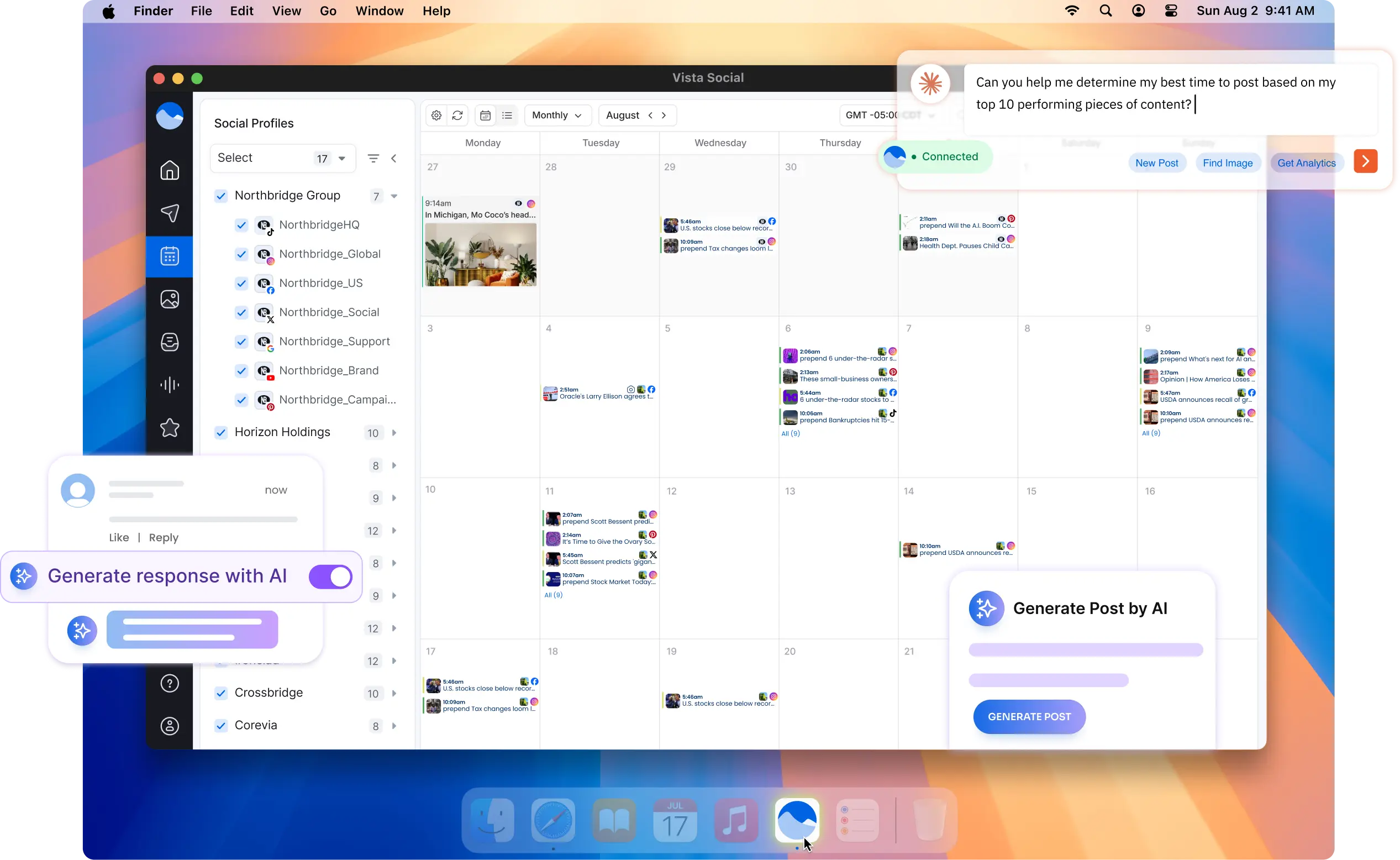
Boost productivity with a native app built for focus. Plan, publish, engage, and report across every network — faster and cleaner than a browser tab.
Free to downloadMac & WindowsAll features included
Trusted by 30,000+ brands worldwide. Verified by G2.


NATIVE DESKTOP EXPERIENCEMore than a browser tab.
More than a browser tab.
Built for serious work.
The Vista Social desktop app gives you the full platform in a distraction-free, native window — with OS-level integrations that keep you in the loop without breaking your focus.
Native performance
Faster than a browser tab — no extensions, no slowdowns.
Desktop notifications
Get alerted the moment a comment, DM, or review lands.
Multi-window support
Open multiple profiles or views side by side.
Keyboard shortcuts
Power-user shortcuts for compose, queue, and navigate.
Secure & sandboxed
Runs isolated from your browser session and history.
Auto-updates
Always on the latest version — updates silently in background.
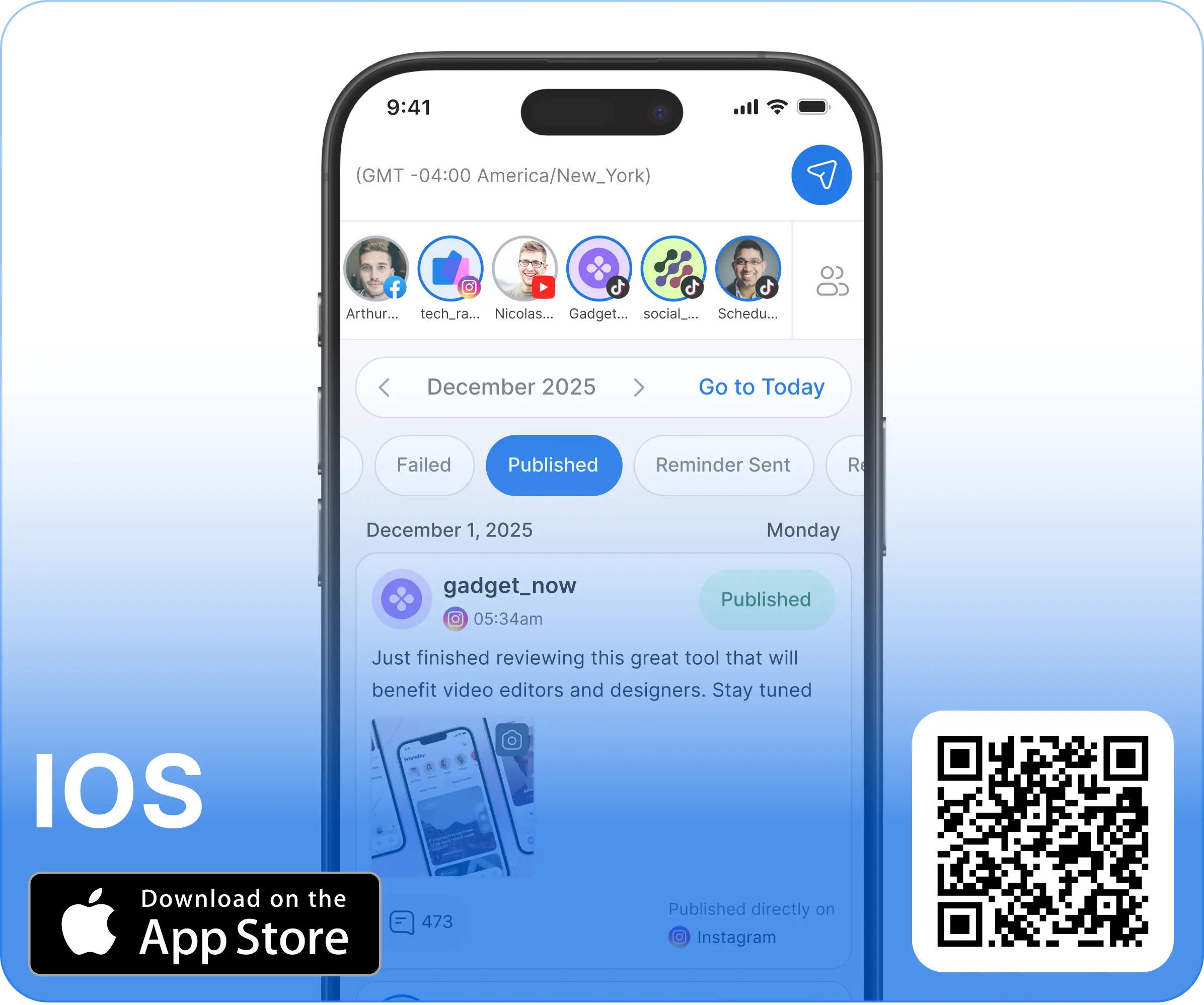
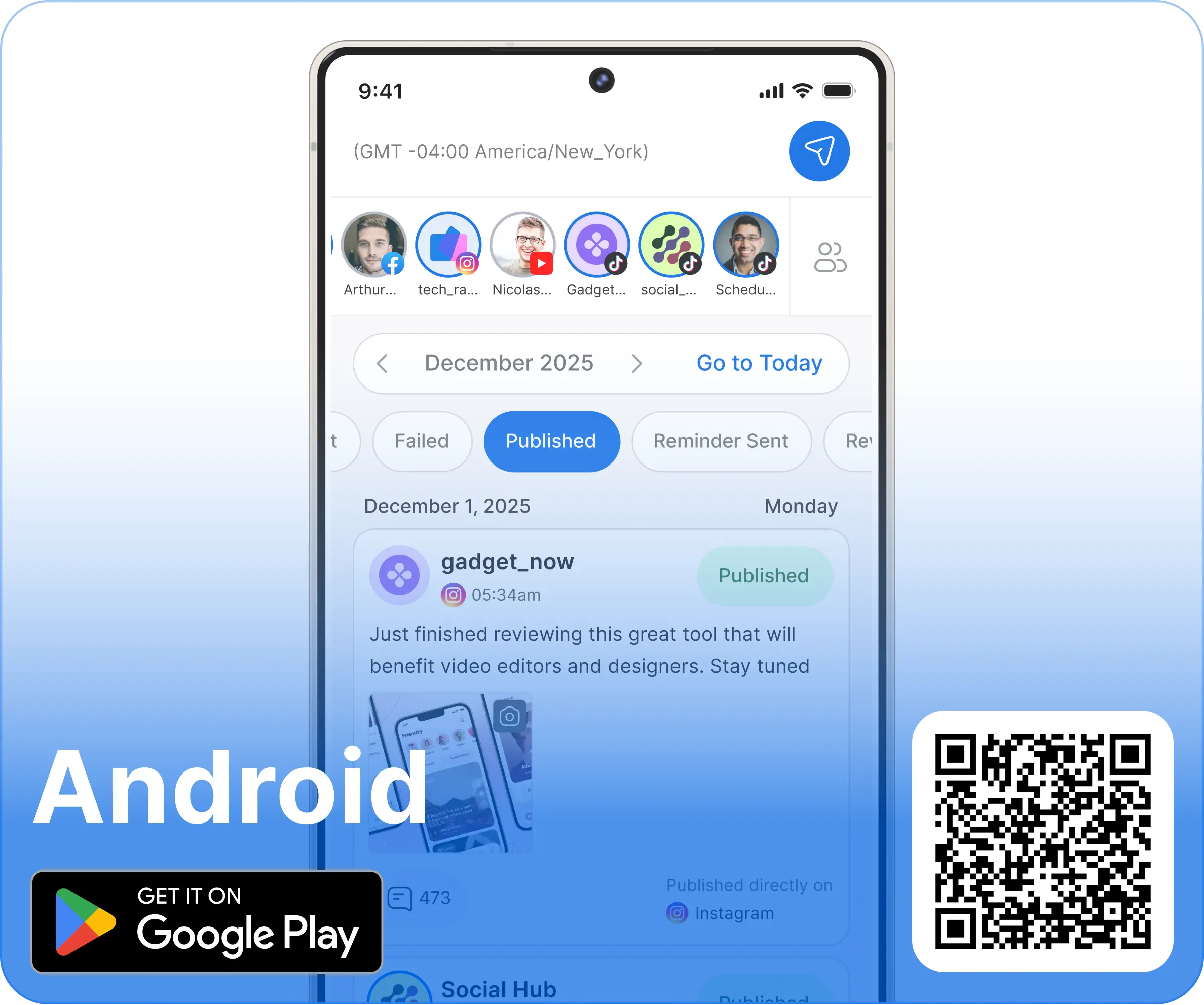
Download Vista Social for Mobile
Download Vista Social's mobile app and save time managing all of your social media channels anytime, no matter where you are.
Frequently Asked Questions
Desktop app, answered.
The desktop app is free to download for all Vista Social subscribers. Any paid plan gives you full access — no additional charge for the native app.
Vista Social is available natively for macOS (Apple Silicon and Intel) and Windows 10/11. You can also use the full web app on any browser.
Yes — the desktop app is a full-featured native wrapper for the Vista Social platform. Everything you can do in the browser, you can do in the app, plus desktop-specific perks like native notifications, keyboard shortcuts, and multi-window support.
Download the .dmg file, open it, and drag Vista Social to your Applications folder. It launches like any other native Mac app.
Install directly from the Microsoft Store — search "Vista Social" or use the download link on this page. It installs and updates automatically.
Absolutely. Your account syncs in real time across all devices. Many users manage their day-to-day on desktop and stay on top of notifications on mobile.
Get Started
Download Vista Social.
Start managing smarter.
Free to download for all subscribers. Mac, Windows, iOS, and Android — all in sync.
Free to download · Mac & Windows · All features included